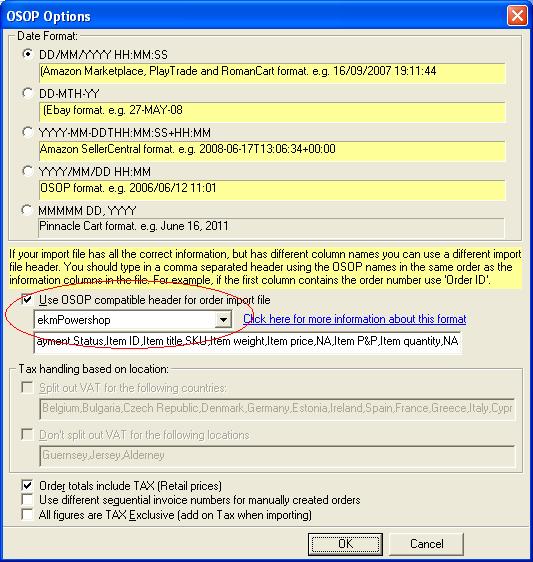
To import your orders from ekmPowershop into One Stop Order Processing use the following procedure:
1 Login into your website in the admin folder
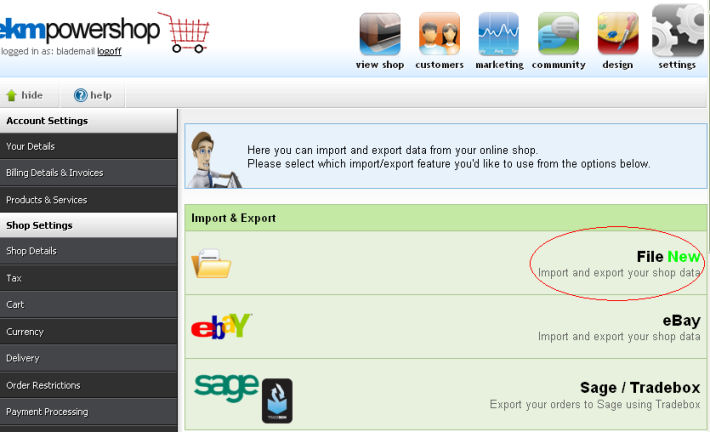
2 Select the Import/Export screen, then select the File export, shown below.
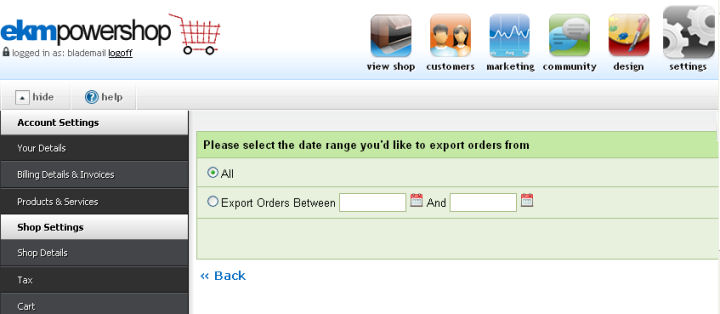
3 Select the range of orders needed, shown below.
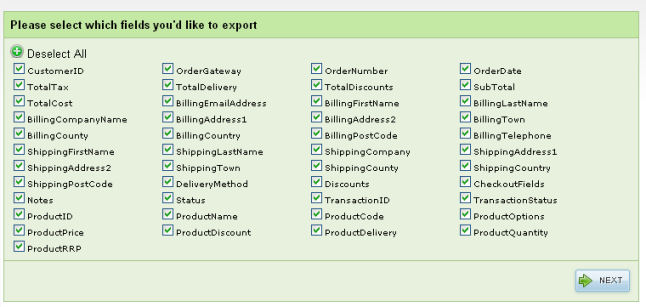
4 Leave all fields selected and click on Next.
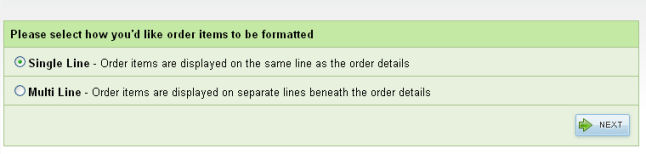
5 Select Single Line export and click on Next.
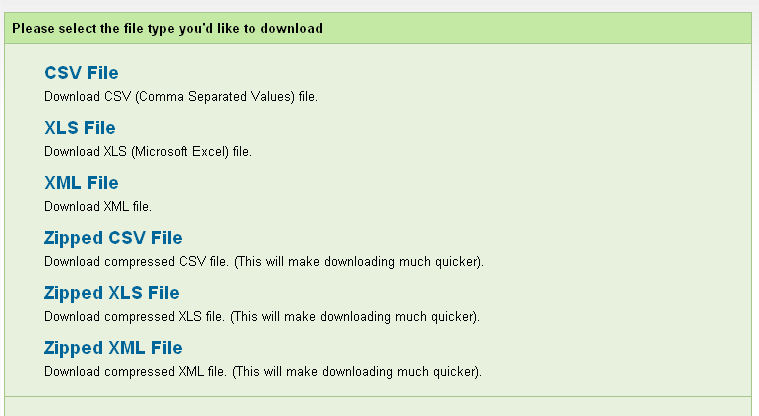
6 Select CSV File and click on export.
7 You are now ready to import the orders into One Stop Order Processing using the OSOP Import format.
8 Select the OSOP import format and select the ekmPowershop format, shown below.