 ).
).
You can create a new site to use for a certain order type (e.g. Weebly) or as an archive site.
To create a new site select the Site option under File ->
New. You can also create a new site by using the Create New Site button
in the Change Site dialog (click on
).
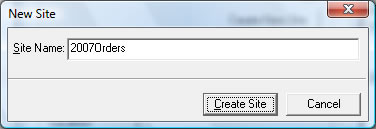
Type in the name of the new site and click on Create Site. You can them import orders into the new site or move existing orders to it.