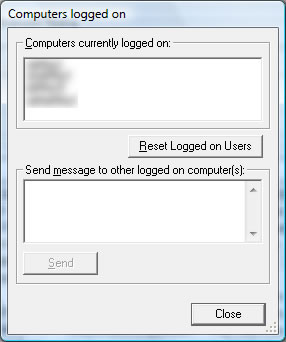
The current number of users logged onto the main computer
is shown. If you want to see which computers are logged select the Tools->Logged
on Users menu option. You can also send a message to any other user currently
logged onto the same PC. This can be used to pass on information to someone
who has an order locked that you need to work on.
If there are problems with your license being used by another PC on the network
you can clear the existing information by clicking on the Reset Logged on
Users button.