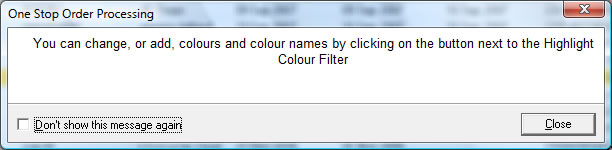
To help understand the features in One Stop Order processing information dialogs are shown when using the product. These can be dismissed and displayed next time that task is performed or, by ticking a box, not shown again..
If you want to re-show certain messages, show them all or not show any, use the Manage assistant messages dialog. To open this dialog select the Manager Assistant Messages menu option (under the Tools menu).
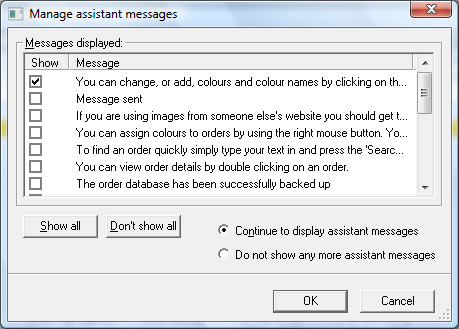
This shows you all the messages that have currently been available to show. If you want to turn off all assistant messages select the Do not show any more assistant messages option. If you want to start again and show all available messages select the Continue to display assistant messages option and click on the Show all button.